
Intulse
Overview
These Intulse monitoring access instructions show how to locate your Intulse Master API key and send it to Greenboard to establish archiving.
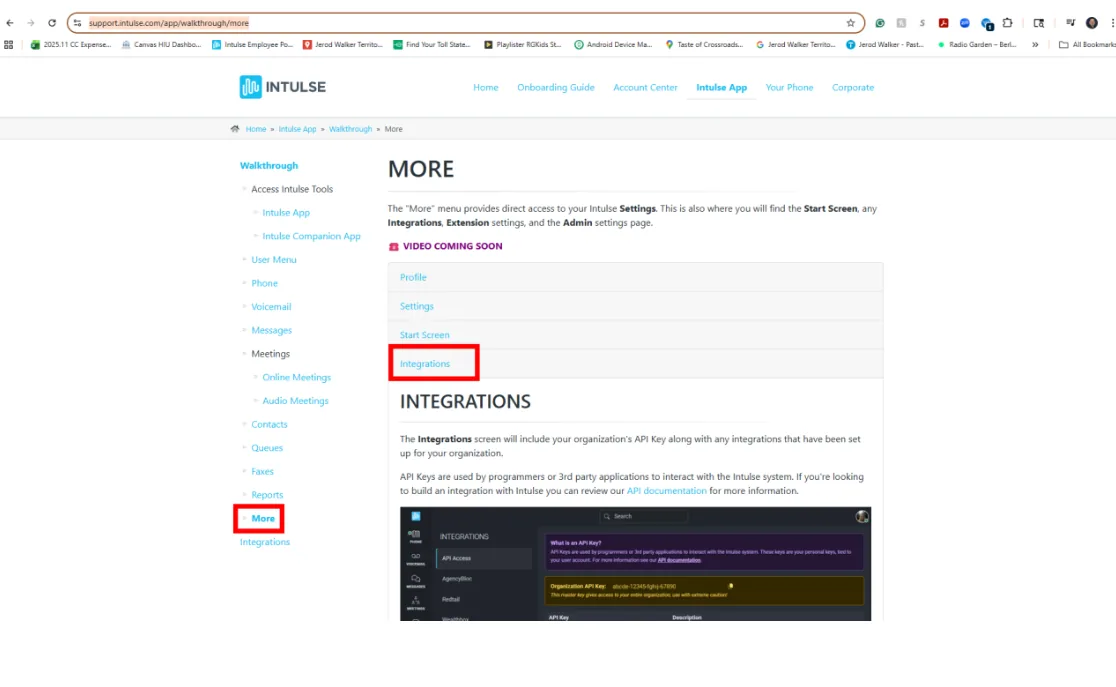
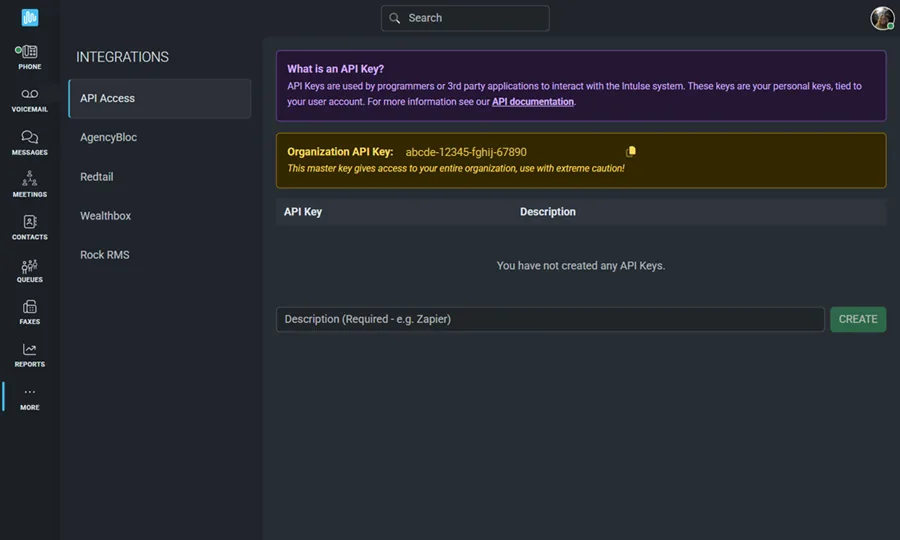
Step 1: Locate your Intulse Master API key
Locate your Intulse "Master API key" to establish archiving. You can find instructions to locate this key here: Link
Step 2: Send your Master API key to Greenboard
Once located, notify the Greenboard team at support@greenboard.com with your “Master API key”.
Tip: As a best practice, we recommend sharing any credentials with the Greenboard team using an encrypted or secure method where possible.
Questions? Contact support@greenboard.com.